
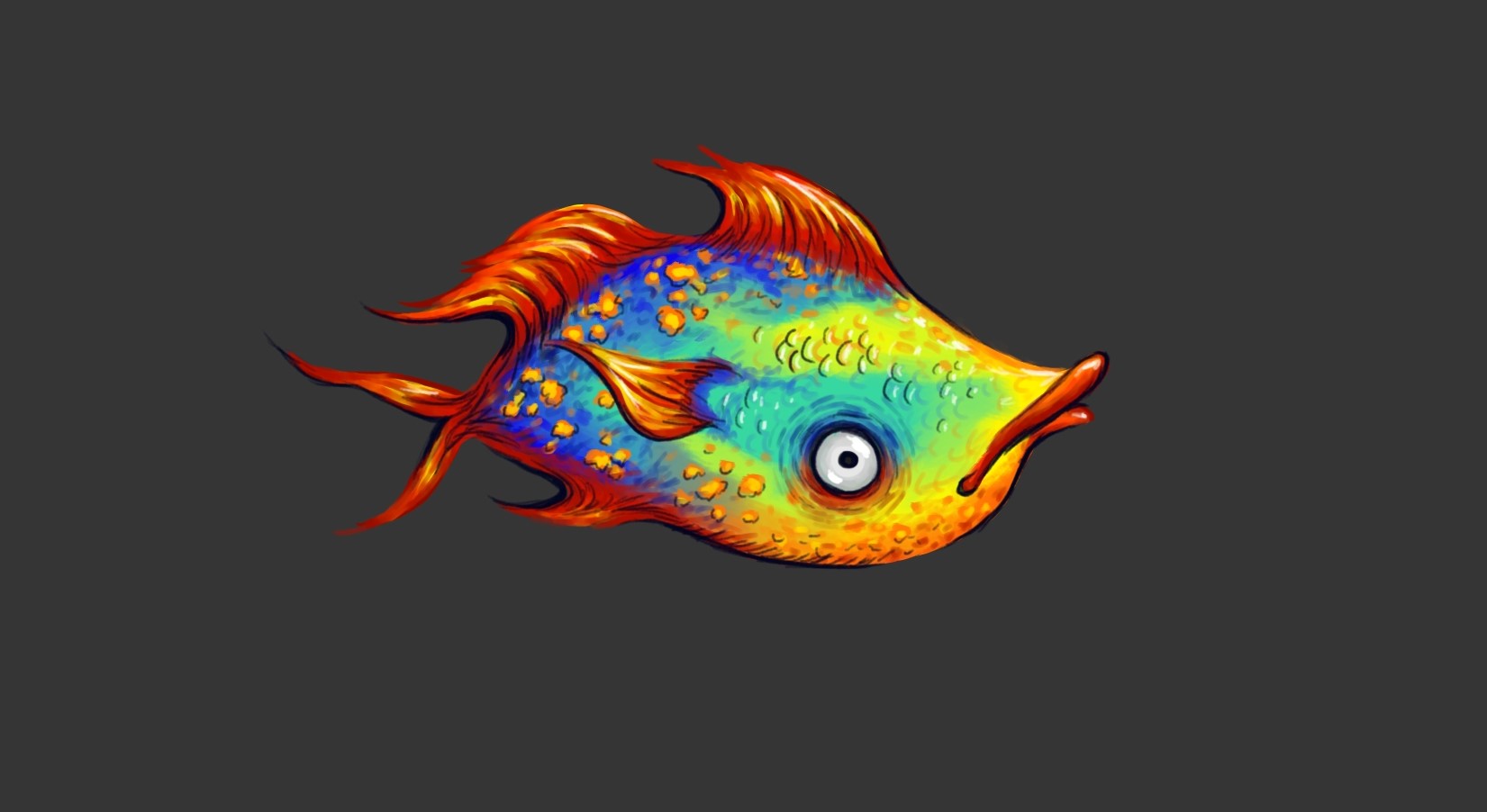
Super excited to show you guys how I go about a digital painting, from reference pictures, to tools, and good habits to get into- I try to address it all! I hope you enjoy the video, I'm sorry the ending could have been a bit smoother but new things, and art are always learning experiences! Also, because I sped up the video 5X, so you wouldn't have to sit through one that's almost 2 hours long, certain parts became a bit too short. If you have ANY questions about how I do things or the tools/brushes/etc. I use please drop me a line in the comments section!
Software I used for this video:
Krita - Free digital art software that has a ton of awesome features
OBS Studio - Free and open-source streaming and screen capture software
Blender - Free and open-source video editing software, more about it below!
I edited this video using Blender, which I admit was a very steep learning curve for me (this was my first time using it for anything) but I wanted to say how impressed and excited I am about the software itself!!! First of all its open source and F R E E which is always amazing. Secondly, it is insanely powerful and has so many different uses! 3D modeling is its main function and I am so eager to try that out at some point! I was definitely struggling to get a grasp on all the different functions and editing options in the video editing but there are a ton of short YouTube videos with step by step instructions that makes things a lot more manageable!
Highly recommend checking out all the software I used to make this, they are all so great and you can't beat high-performance AND free! :)
Have an incredible day and go create something!
The rich text element allows you to create and format headings, paragraphs, blockquotes, images, and video all in one place instead of having to add and format them individually. Just double-click and easily create content.
A rich text element can be used with static or dynamic content. For static content, just drop it into any page and begin editing. For dynamic content, add a rich text field to any collection and then connect a rich text element to that field in the settings panel. Voila!
Headings, paragraphs, blockquotes, figures, images, and figure captions can all be styled after a class is added to the rich text element using the "When inside of" nested selector system.
The rich text element allows you to create and format headings, paragraphs, blockquotes, images, and video all in one place instead of having to add and format them individually. Just double-click and easily create content.
A rich text element can be used with static or dynamic content. For static content, just drop it into any page and begin editing. For dynamic content, add a rich text field to any collection and then connect a rich text element to that field in the settings panel. Voila!
Headings, paragraphs, blockquotes, figures, images, and figure captions can all be styled after a class is added to the rich text element using the "When inside of" nested selector system.
